I Built a Service Area Checking Tool. It's Shit.
The honest story of building Service Area WIZARD - a tool that checks if customers are in your service area. Two versions later, it still sucks. Here's why, and what V3 will fix.

John Simeone
A couple of years ago I had what I thought was a brilliant idea. Local service businesses - plumbers, electricians, roofers - they all have a service area. A radius they'll travel to do a job. But their websites have no way of telling a visitor whether they're actually in that area before they fill out a contact form.
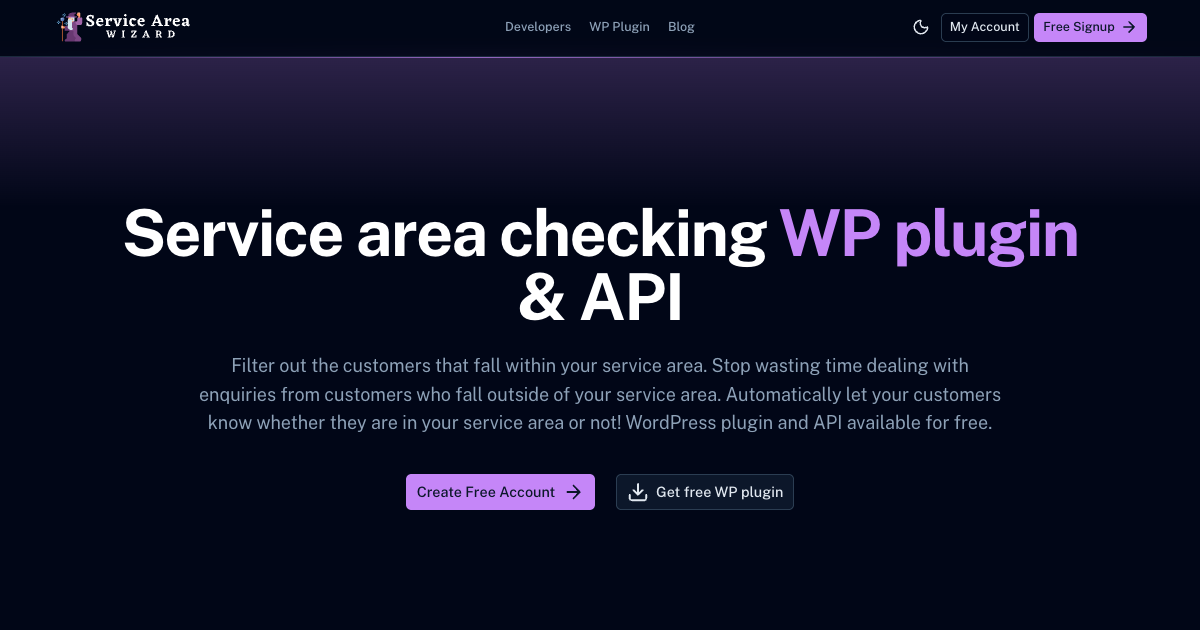
So I built Service Area WIZARD. A tool that checks if a customer's postcode falls within a business's service area.
Two versions later, I can confidently say: it's not great. Actually, it's a bit shit. And I'm going to tell you exactly why, how it works under the hood, and what I'm doing about it.
The idea that wouldn't die
The pitch was simple. A service business sets their postcode and a radius in kilometres. A customer enters their postcode. The tool tells them if they're in or out. Embed it on your website. Done.
It was supposed to be a lead magnet. Businesses sign up, use the free tool, and eventually pay for premium features. The kind of thing you read about in indie hacker threads and think "yeah, I could build that in a weekend."
I built it in a weekend. That was the problem.
V1 - the "it works" version
The first version was a Laravel 9 app with a Vue 3 frontend using Inertia.js. Standard VILT stack stuff.
The core logic is embarrassingly simple. When someone enters a postcode, the app hits the postcodes.io API to get coordinates. Then it runs the Haversine formula - a bit of trigonometry that calculates the distance between two points on a sphere - to work out how far apart two postcodes are.
$earthRadius = 6371; // km
$latDelta = deg2rad($lat2 - $lat1);
$lonDelta = deg2rad($lon2 - $lon1);

$a = sin($latDelta / 2) * sin($latDelta / 2)
   + cos(deg2rad($lat1)) * cos(deg2rad($lat2))
   * sin($lonDelta / 2) * sin($lonDelta / 2);

$distance = $earthRadius * 2 * atan2(sqrt($a), sqrt(1 - $a));
That's it. That's the whole product. Compare the distance to the configured radius. If it's less, you're in. If it's more, you're out.
The UI was a single input field with a "Check Postcode" button. Green alert for in, red alert for out. You could embed it on your website via an iframe.
Why V1 was shit
Here's the thing nobody tells you about "simple" tools: they need to be useful in context. A standalone postcode checker sitting in an iframe on a plumber's website is an extra step. The visitor has to actively choose to use it. Most don't. They either call the number on the page or fill out the contact form without checking.
The tool worked perfectly. Nobody used it.
A lead magnet that doesn't generate leads. The irony wasn't lost on me.
V2 - the "let me fix this" version
So I rebuilt it. Laravel 10 this time. Same Haversine formula underneath, same postcodes.io dependency for UK postcodes, but with a bunch of new stuff bolted on.
Multi-country support. UK postcodes still hit the postcodes.io API in real-time. For the US and Australia I seeded database tables with zipcode and postcode coordinates. USA alone is tens of thousands of rows of latitude and longitude data.
A WordPress plugin. This was the big one. Instead of a standalone checker, I built a WordPress plugin that wraps the service area check into a contact form. Drop in a [saw_contact_form] shortcode and the form checks the postcode before submitting. If the customer is outside the service area, the form tells them upfront. No wasted leads.
An API. A proper REST endpoint authenticated with Laravel Sanctum. Send origin and destination postcodes, get back a JSON response with the distance and whether they're in area.
Rate limiting tiers. This is where it got overengineered. Your API rate limit increased based on your subscription level. Subscribed to the email list? More requests. Subscribed on YouTube? Even more. Paying Stripe customer? 200 extra requests per hour. I built a whole tier system before I had the user numbers to justify it.
A map creator. A GeoJSON-to-SVG converter that let you visualise your service area. I spent weeks on this. It was fun to build. Almost nobody touched it.
Why V2 was also shit
V2 solved the wrong problem. Yes, the contact form integration was better than a standalone iframe. But I locked it to WordPress. If you're running Squarespace, Wix, a Nuxt site, a custom-built platform - tough luck. Use our WordPress form or nothing.
For a tool aimed at local service businesses, where half of them are on Wix or some page builder, that's a fatal limitation.
I also fell into the classic trap of adding features nobody asked for instead of fixing the core issue. Rate limiting tiers? Map creator? Mailchimp integration? None of that matters if the fundamental integration story is "install our WordPress plugin and use our contact form."
What V3 needs to be
I've been thinking about this for a while and the answer is obvious now. The tool needs to work with any contact form on any platform.
Not "use our form." Not "install our plugin." Not "embed our iframe."
The service area check should slot into whatever the business is already using. Their existing contact form. Their existing CMS. Their existing workflow. The check happens transparently - the customer fills out a form they were going to fill out anyway, and the postcode gets validated against the service area in the background.
I don't have the exact implementation nailed down yet. Maybe it's a lightweight JavaScript snippet you drop on any page that hooks into existing form submissions. Maybe it's an API-first approach with proper SDKs. Maybe it's both - a simple embed for non-technical users and a clean API for developers.
What I do know is that V3 won't ask anyone to rip out their contact form and replace it with mine. That was always the wrong approach.
What I actually learned
Building Service Area WIZARD taught me something about product development that I probably should've known after 14 years of building websites: the hard part isn't the code. The Haversine formula took me 20 minutes. The multi-country coordinate lookups took a day. The WordPress plugin took a week.
The hard part is figuring out where your tool fits into someone's existing workflow. I built two versions of a product that technically works, with clean code, proper authentication and a sensible architecture. And both times I got the integration story wrong.
V1 assumed people would actively use a standalone checker. They didn't.
V2 assumed people would switch to my contact form. They wouldn't.
V3 needs to assume nothing about the existing setup and just work.
The tool is still live at serviceareawizard.com if you want to see V2 in its current state. I'm not taking it down - it does work, and nearly 300 people have signed up. I even built a Mailchimp integration for the mailing list. I've never sent a single email to it. Nearly 300 people sitting in a list, hearing nothing. That's probably the most damning thing I can say about how I've run this product.
But V3 might be the reason I finally hit send. Let them know something better is coming. It's going to get a proper rebuild. One that actually respects how businesses run their websites instead of asking them to change for me.
That's the plan anyway. If history is any indication, V3 will also be shit and I'll be writing this same article again in 2028.